
https://faxbeep.com/faxtest/fax_ followed by 8 hexadecimal characters, for example https://faxbeep.com/faxtest/fax_3fa91c07.
What the page shows
- Title. “Fax from” and the masked sender for a fax, or “Email from” and the masked sender for an email test. See How sender details are displayed.
- Date and time the test was received, in your time zone.
- PDF preview. On a desktop browser, the PDF appears in a frame on the page. On a phone, the first page appears as an image with an “Open PDF” button below it.
- Details line below the preview: “Pages” with the page count and “Size” with the PDF size in KB. Email tests also have the label “Received by email”.
- Removal link: “Contains something that shouldn’t be public? Request Removal”. See Remove a fax.
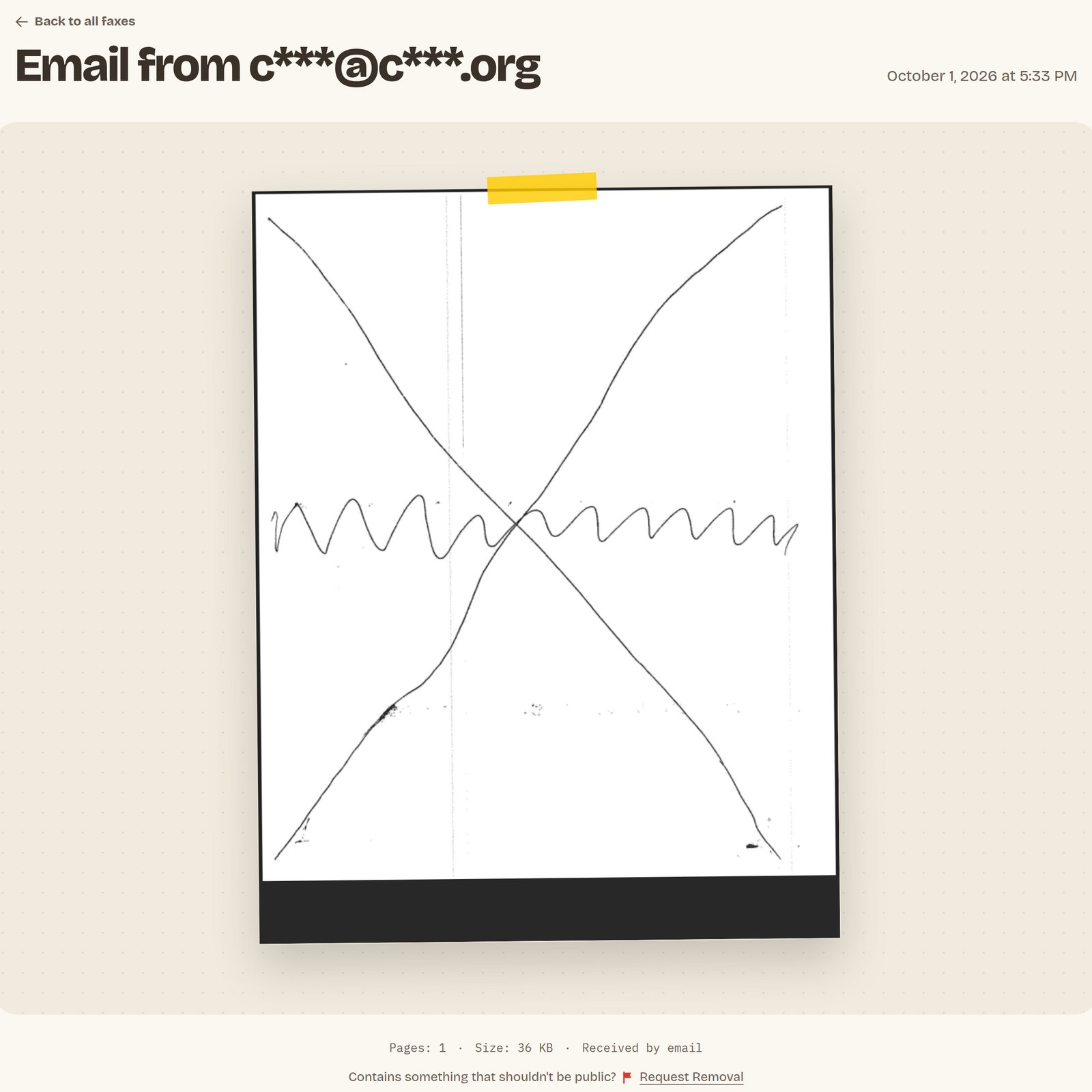
The fax page for an email test, on a desktop browser.
What to check
1
Orientation
The page is upright, not sideways or upside down.
2
Clarity
The text is easy to read, and lines and images are sharp.
3
Page count
“Pages” below the preview matches the number of pages you sent. Open the PDF to see every page.
4
Sender ID
For a fax, check the your machine printed at the top of the page. It’s part of the page image, so Faxbeep doesn’t mask it.
PDFs from email tests
Faxbeep doesn’t publish the file you sent. It converts each attachment to a new PDF that contains only images of your pages. The conversion keeps links, scripts, and metadata (hidden information stored in the file) out of the public copy. Faxes sent over a phone line don’t go through this conversion.Why can't I select the text in my PDF?
Why can't I select the text in my PDF?
Each page of the converted PDF is an image with no text layer, so you can’t select or search the text. This comes from the conversion, not from your scanner or its settings.
Why does my PDF have no metadata?
Why does my PDF have no metadata?
The conversion removes metadata such as an owner name, a device serial number, or the GPS location in a photo. On a public page, that information could identify you.
Why does a color page look slightly softer?
Why does a color page look slightly softer?
The conversion stores a page that looks like a photo or a color scan as a JPEG image. This keeps the PDF close to the size of the file you sent, but fine detail can look slightly softer. Black and white pages are stored losslessly, so they stay sharp.
Why are the colors slightly different?
Why are the colors slightly different?
The conversion also removes color profiles. If your file used an unusual color profile, the colors can shift slightly.
Messages shown instead of the test
A removed test keeps its page and message, but its PDF is deleted. See Public for 30 days.